.png)
My StandPro Shows "Fund Not Found"
If your Nizam StandPro is displaying a “Fund Not Found” error, it means the device is linked to a fund that no longer exists in your organization’s dashboard.
Common Causes
- An admin deleted the fund from the organization.
- The fund name was changed or reassigned.
- The device setup wasn’t updated after removing a fund.
How to Fix It
- Log in to your Nizam dashboard.
- Go to the Devices section.
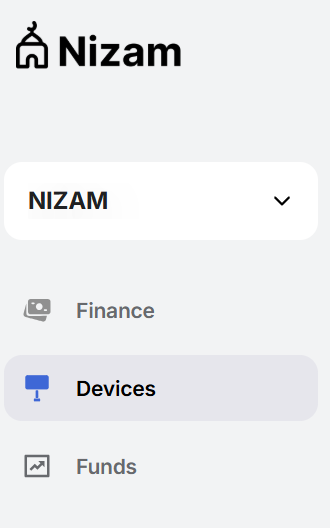
- Select the device showing the error.

- Click the 3 small dots in the corner of the device box and select "Edit".
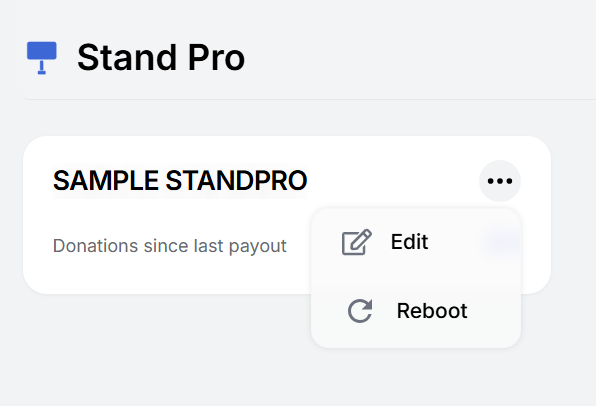
- Reassign the device to one of your organization's existing, active funds.
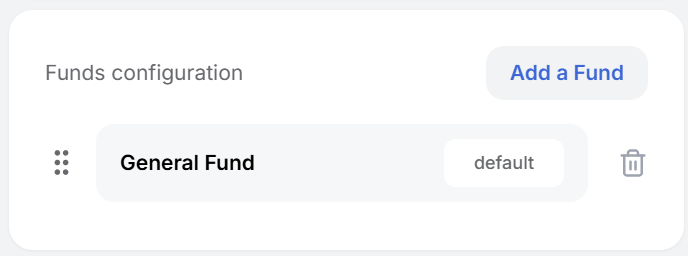
- Save your changes.
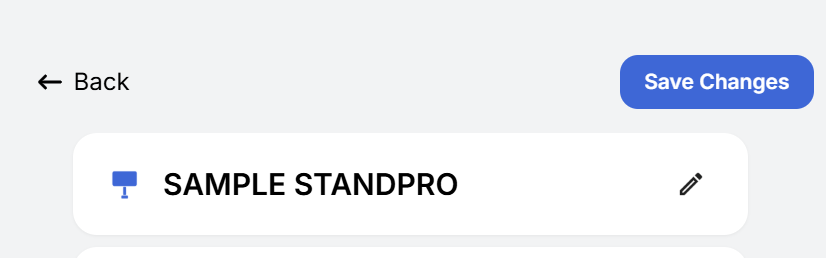
- Reboot the device if the error message is still showing.

Why This Matters
Funds help organize and track donations. Assigning devices to the correct active fund ensures donations are routed to the right place and that reports and records remain accurate.
If you’ve reassigned the fund but the error persists, please reach out to Nizam Customer Support (salaam@nizam.co) for further help.