.png)
My StandPro Shows "Incomplete Registration"
If your StandPro is displaying an Incomplete Registration error, it means the device has not been fully set up in your Nizam dashboard. Every stand must be registered with a few required fields before it can process donations.
Required Registration Fields
To complete registration, make sure the following are set:
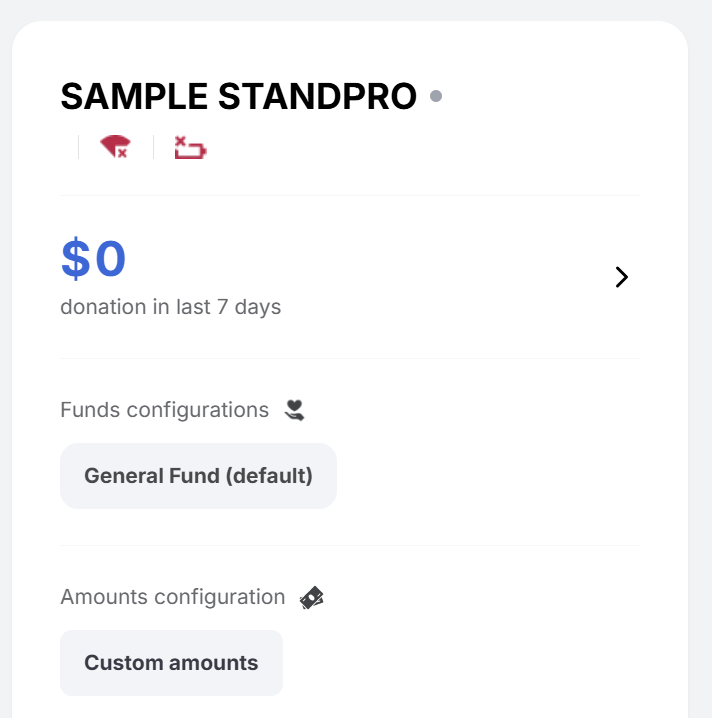
- Device Name – a unique name to identify the stand in your dashboard.
- Default Donation Amount – the preset amount shown to donors if no custom amount is entered.
- Default Fund – the default masjid fund where donations will be deposited (e.g., Operations, Construction).
How to Fix It
- Log in to your Nizam dashboard.
- Navigate to the Devices section.
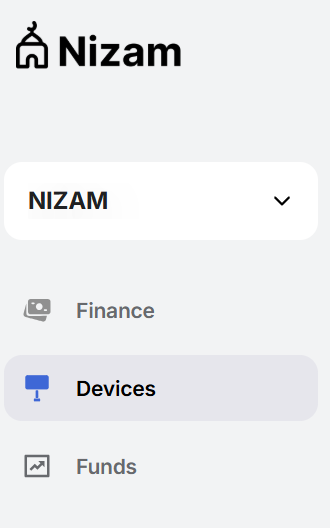
- Select the device that is showing the error.

- Click the 3 small dots in the corner of the device box and select "Edit".
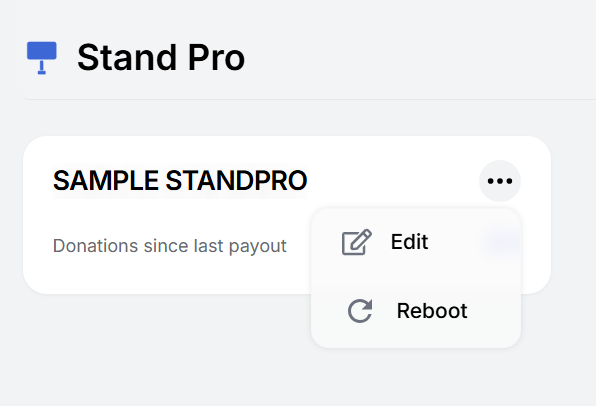
- Fill in all required fields (Device Name, Default Amount, Default Fund).
- Save your changes.
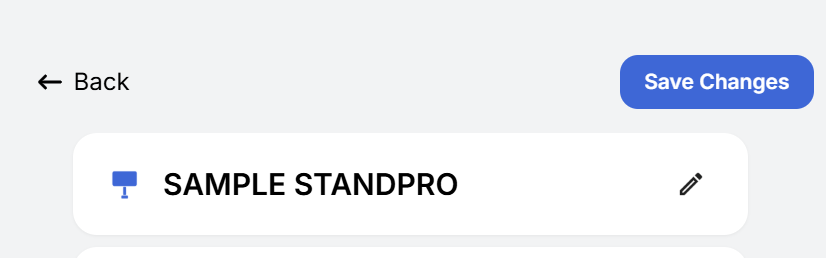
- Reboot the device if the error message is still showing.
Why This Matters
These settings ensure donations are tracked correctly and routed to the right fund. Without completing registration, the device cannot process transactions.
If you’ve completed these steps and the error persists, please reach out to Nizam Customer Support (salaam@nizam.co) for further help.